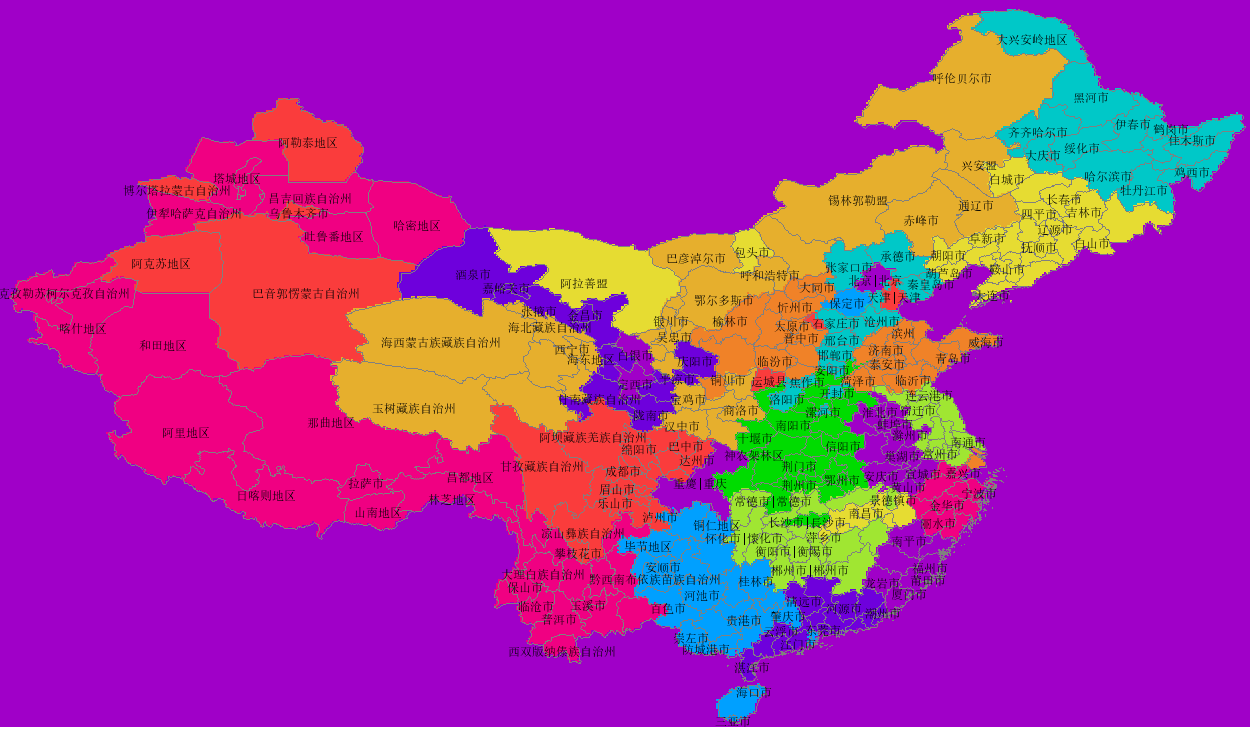
用meteoinfo和shapefile制作grads格式的mask文件

准备数据模板ctl和grd

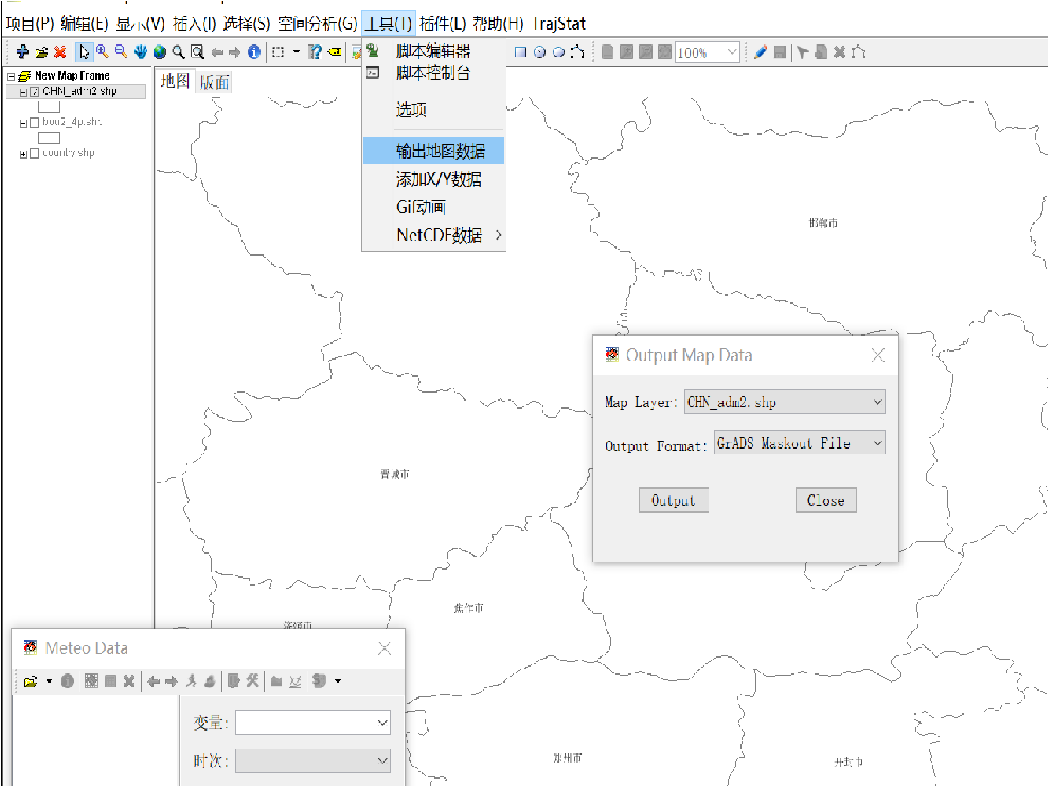
在meteoinfo中 工具->输出地图数据->选择shape图层->output Format 选 GrADS Maskout file。即可生成mask文件,命名为mask.ctl
用meteoinfoLab 编写脚本 打开刚生成的 ctl 文件

1
2
3
4
5
6
7
8
9
10
11
12
13
14
15
16
17
18
19
20
21
22
23
24
25
26
27
28
29
30
31
32

path = 'D:/share/map'
regionShp = os.path.join(path, 'CHN_adm2.shp')
proj = projinfo()
glayer = shaperead(regionShp)

glayer.project(proj)
features = glayer.shapes()

n = len(features)

f = addfile('D:/share/tmp/mask.ctl')
data = f['mask'][0,:,:]
firstime = True

print data.shape
print f.proj

for i in range(n):
feature = glayer.shapes()[i]
tdata = data.inpolygon(feature)
#Change -1 to 0
tdata[tdata==-1] = 0
tdata = tdata * i
if firstime:
mdata = tdata
firstime = False
else:
mdata = mdata + tdata
mdata = mdata.astype('float')
binwrite('D:/share/tmp/mask.dat', mdata, append=False)

在meteoinfo 中打开mask.ctl,画图为